Stop attaching Markdown files: share one by link in a minute
Share Markdown from Claude or ChatGPT as a temporary, readable browser URL without asking the recipient to download a file or install a viewer.
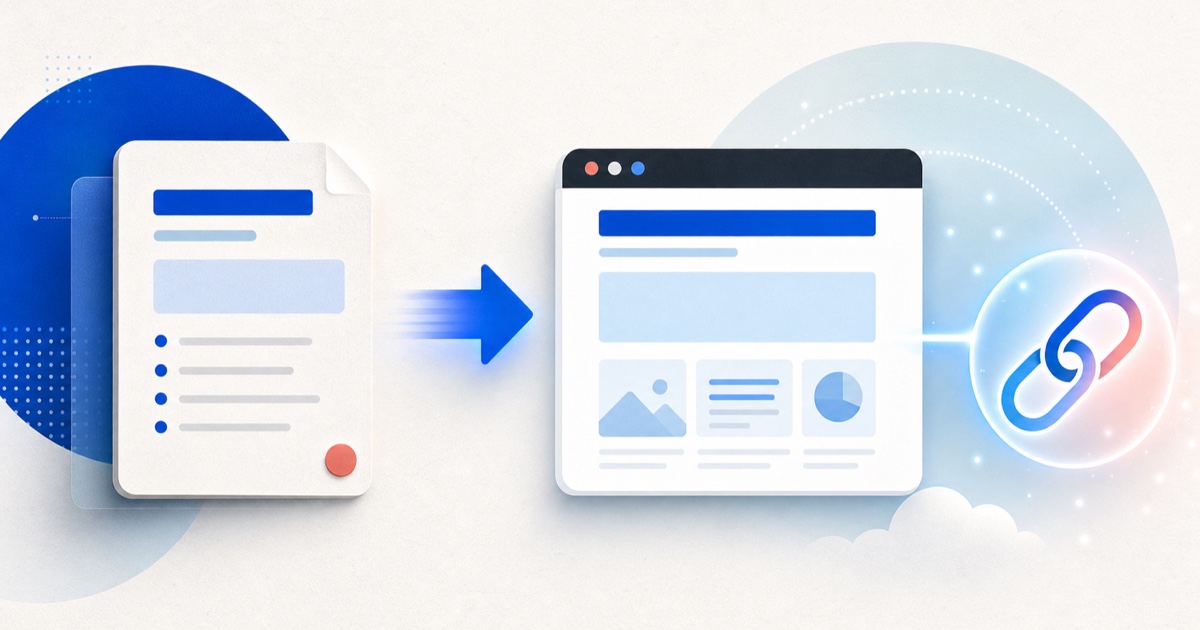
You do not need to attach every .md report produced by Claude or ChatGPT.
Upload the file to HTML2WEB, or paste the Markdown, to create
a temporary URL that opens as a readable browser page without sign-in. The
default expiration is one hour, with 30-minute, one-hour, and 24-hour options.
Why Markdown attachments keep needing instructions
Markdown is readable, writable plain text. But the viewer—not the file—turns
#, -, code fences, and table syntax into headings, lists, code blocks, and
tables.
That is why a file that looks right in GitHub or VS Code can appear as a block of symbols in email or messaging. The CommonMark specification defines the core syntax, but a recipient sees only the source when their app does not render it.
A link removes the need to explain how to download the file and which app to open. Everyone who follows the URL sees the same browser page.
Turn Markdown into a link in three steps
1. Put the material in one file
Save the AI response with a .md or .markdown extension, such as report.md.
You can also copy the complete Markdown body from the conversation without
creating a file.
Before sharing, look for:
- API keys, tokens, passwords, and database connection strings;
- personal information such as real names, email addresses, and phone numbers;
- customer names, contract terms, and unpublished metrics; and
- internal server addresses and private-document links.
Remove them even if you plan to set a password. A password is an additional boundary, not permission to publish sensitive information.
2. Upload the file or paste the Markdown
Open the Markdown-to-URL tool, drop in the file or paste the body, and confirm the detected format and size.
The current free anonymous path provides:
- publication without sign-in;
- up to 1MB per file;
- 30-minute, one-hour, and 24-hour expiration;
- one-hour expiration by default;
noindexon shared output by default; and- an optional password.
Thirty minutes fits a document reviewed together now; 24 hours fits feedback expected today. Move a document that must remain available beyond expiration to maintained documentation hosting.
3. Check a private window, then send only the URL
Open the result in a private window before copying the URL. Confirm that the title, table, code blocks, and links look right, and tell the recipient when the link expires.
A web URL is the address of a resource available on the
internet.
noindex asks search engines not to show it in results; it does not control
access. Anyone with the address can forward it.
A Markdown report template you can copy
This example puts the conclusion and review request on the first screen. Its figures and names are placeholders; replace them with your real document.
# Q2 retention improvement proposal

Date: 2026-07-28

## Conclusion

- Reduce onboarding steps first and observe the drop-off point.
- Defer notification changes to the next experiment.
- We need feedback on three open questions by Wednesday.

## Metrics to review

| Metric | Previous | Current | Note |
| --- | ---: | ---: | --- |
| Return rate | 32% | 35% | Example figures |
| Drop-off step | Step 3 | Step 2 | Hypothesis requires validation |

## Open questions

1. Will shorter onboarding reduce initial understanding?
2. Is a two-week experiment long enough?
3. Under what conditions should we stop the experiment?

## Data sources and limitations

- Source: anonymised summary of internal aggregation
- Limitation: statistical significance has not yet been tested
Google’s people-first content guidance recommends checking whether a reader receives a satisfying answer that helps them achieve their goal. A shared report needs the same discipline: put the conclusion, evidence, and request first so the reader does not need to ask what to do next.
30-second pre-publication checklist
- Does the title explain the document’s purpose?
- Does the first paragraph contain the conclusion and required action?
- Do table headers and separator rows have the same number of columns?
- Does every code fence have a matching close?
- Are all local image paths removed?
- Are secrets, personal information, and customer data removed?
- Will the link remain active until the recipient reads it?
- Has it been checked in a private window and at mobile width?
Which sharing method should you use?
| Situation | Better method | Reason |
|---|---|---|
| The recipient must edit the source | Attach the .md file |
They can download and change the original. |
| They only need to review it today | HTML2WEB temporary link | It opens in a browser without sign-in or deployment. |
| Git must retain every change | GitHub repository or Pages | Commits and diffs remain available. |
| It needs search visibility and a fixed address | Maintained documentation hosting | You can manage the domain, operations, and access policy. |
HTML2WEB is built for the second row. Do not repeatedly recreate expiring links
as if they were permanent documentation. Keep the original .md separately.
Three common failures
The image is empty
 points to a folder beside the file on your
computer. Uploading one Markdown file does not include the image. Use a public
HTTPS image URL or replace essential content with a table and text.
The link expired before the meeting
The default is one hour. Choose 24 hours for a link created in the morning and used later that day, or 30 minutes for an immediate live review.
An AI quotation still contains sensitive information
When AI analyses a log or configuration file, its response may quote part of the source. If already published, delete the share immediately with the management link. Revoke and replace exposed keys and tokens without waiting for the link to expire.
Frequently asked questions
Can I paste text without creating a file?
Yes. HTML2WEB supports both .md or .markdown uploads and pasted Markdown.
Can someone find it through search?
Shared output uses noindex by default. That does not stop access by someone
who has the link, so manage who receives it.
Is sensitive material safe with a password?
No. A password is an extra boundary. Remove API keys, personal information, and customer data before publishing.
What if I need a URL that remains available?
Move the document to GitHub Pages, an internal documentation system, or maintained hosting. Extending temporary links does not replace long-term operations.